Live Chat Node — Documentation
The Live Chat node is used to handover the conversation from the AI workflow to a human agent.
When this node is reached, the user is connected to a real-time chat session.
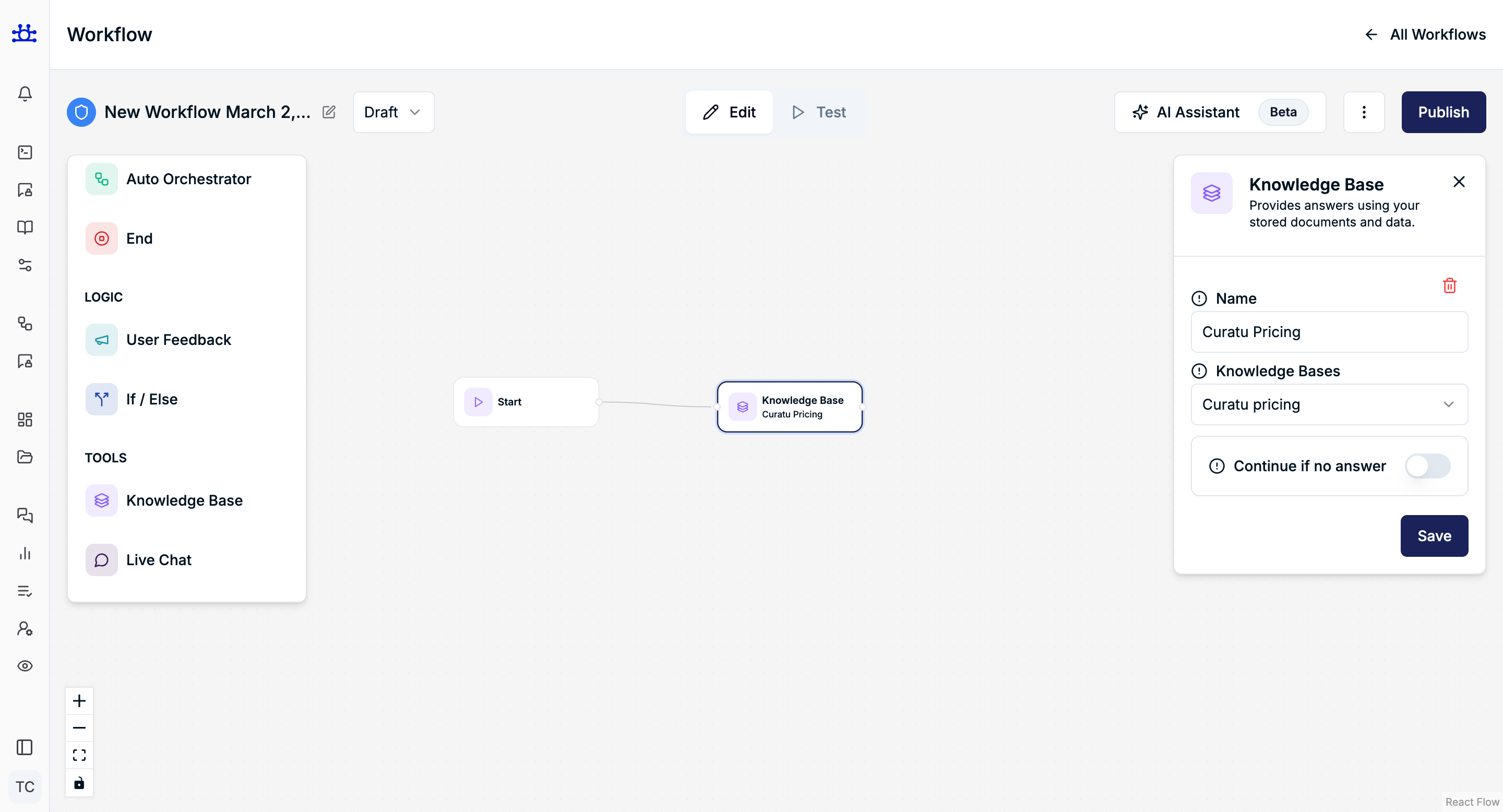
What the Live Chat Node Does
- Transfers the conversation to a human support agent
- Enables real-time, two-way communication
- Stops further automated workflow execution
- Ensures complex or sensitive queries are handled by humans
Node Settings
No Settings Available
The Live Chat node does not have any configurable settings.
Why?
- Its purpose is singular and clear: human handoff
- All routing, agent assignment, and queue logic are handled internally
How It Works
- Workflow reaches the Live Chat node
- AI stops responding
- Conversation is assigned to an available human agent
- User continues the chat with a real person
Common Use Cases
- User is dissatisfied with an AI answer
- Complex or edge-case questions
- Billing or account-related issues
- Escalation after negative feedback
- Manual support requirement
Example Workflow Usage
- If user is satisfied → End node
- If user is unsatisfied → Live Chat node
This ensures smooth escalation without breaking the user experience.
Best Practices
- Use Live Chat as a fallback, not the first step
- Place it after Feedback or If / Else nodes
- Avoid chaining nodes after Live Chat
- Clearly inform users they are being connected to a human
Summary
The Live Chat node:
- Hands over the conversation to a human
- Ends automated workflow execution
- Requires no configuration
- Improves trust and support quality
Use this node whenever human intervention is required.