User Feedback Node — Documentation
The User Feedback node is used to collect structured input from users during a workflow.
It pauses the flow, asks a question, and captures the user’s response in a predefined format.
This node supports three selection types, each designed for different kinds of feedback.
Feedback Node Settings
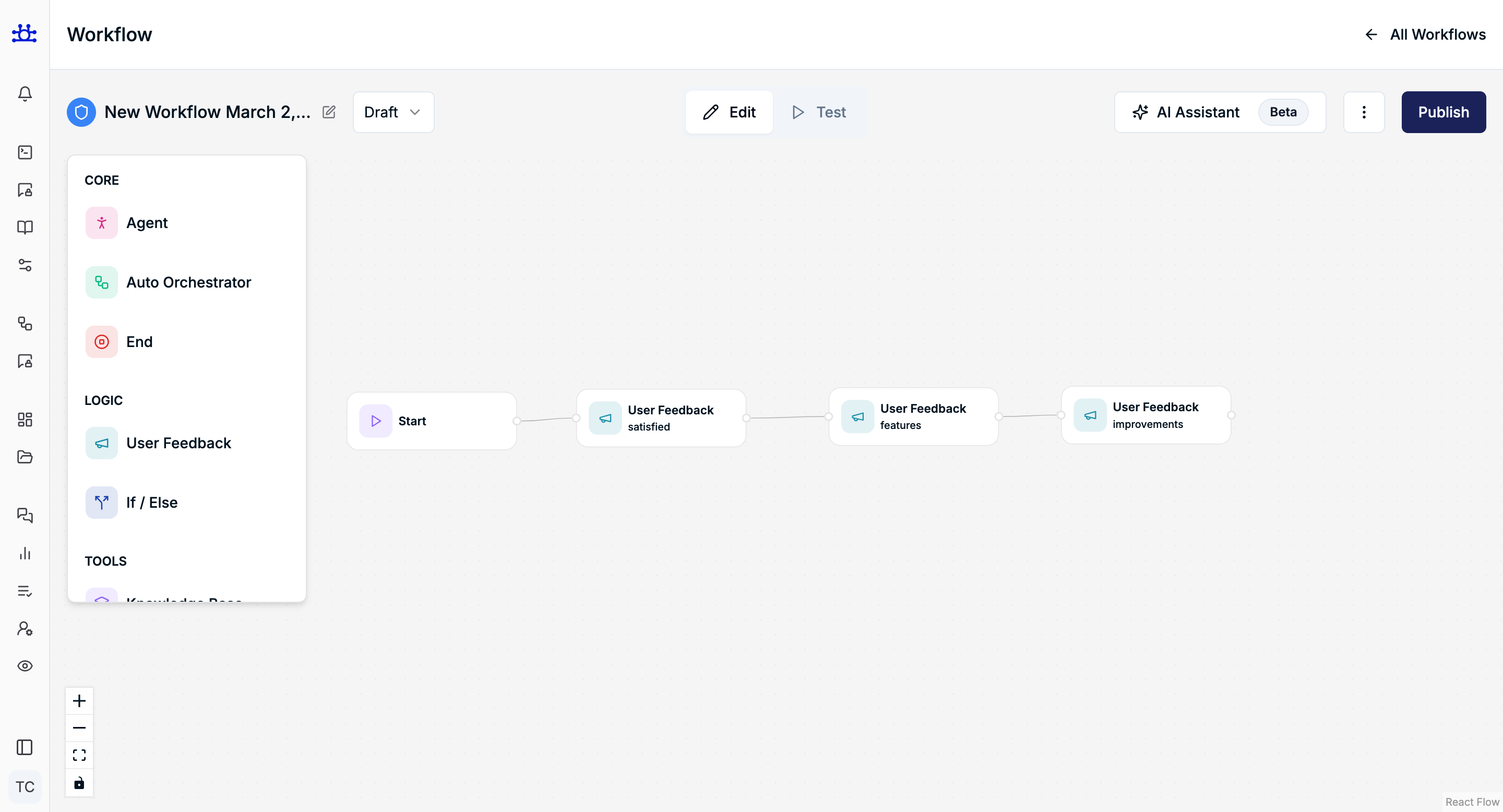
Name
Purpose
Internal name for identifying the feedback node inside the workflow.
Notes
- Not visible to the user
- Helps in workflow readability
Question
Purpose
The question displayed to the user.
Best Practices
- Keep it short and clear
- Ask only one thing per question
Example
Was this answer helpful?
Selection Type
The Selection Type defines how the user can respond to the question.
There are three selection types:
1. Single Selection Type
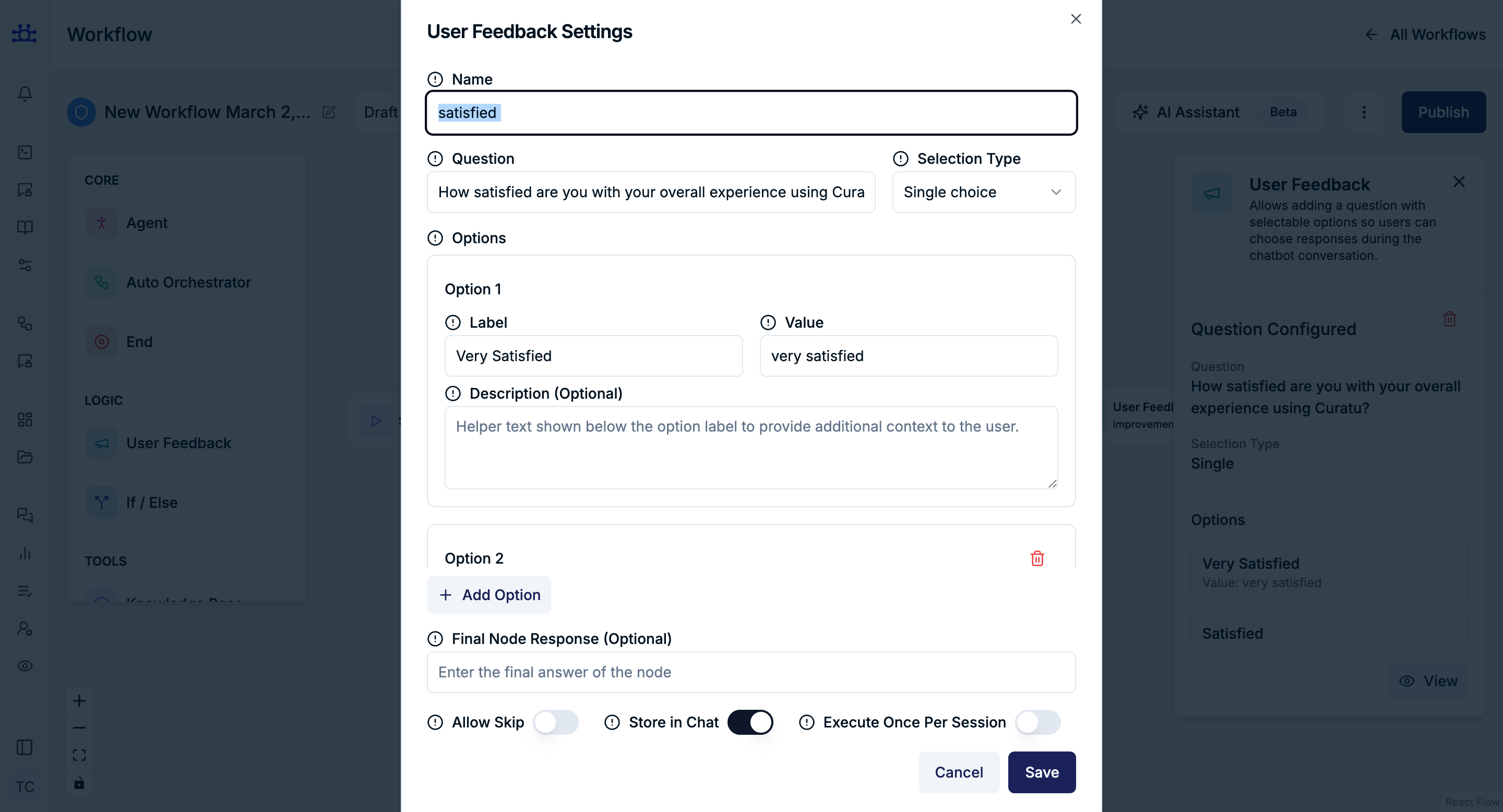
What it is
Allows the user to select only one option from the list.
When to use
- Yes / No questions
- Satisfaction checks
- Binary or mutually exclusive choices
Example Question
Was this answer helpful?
Example Options
| Label | Value |
|---|---|
| 👍 Yes | yes |
| 👎 No | no |
User Behavior
- User can select only one option
- Selection immediately represents the final answer
Recommended For
- Feedback scoring
- Simple decision branching
- Clean analytics
2. Multiple Selection Type
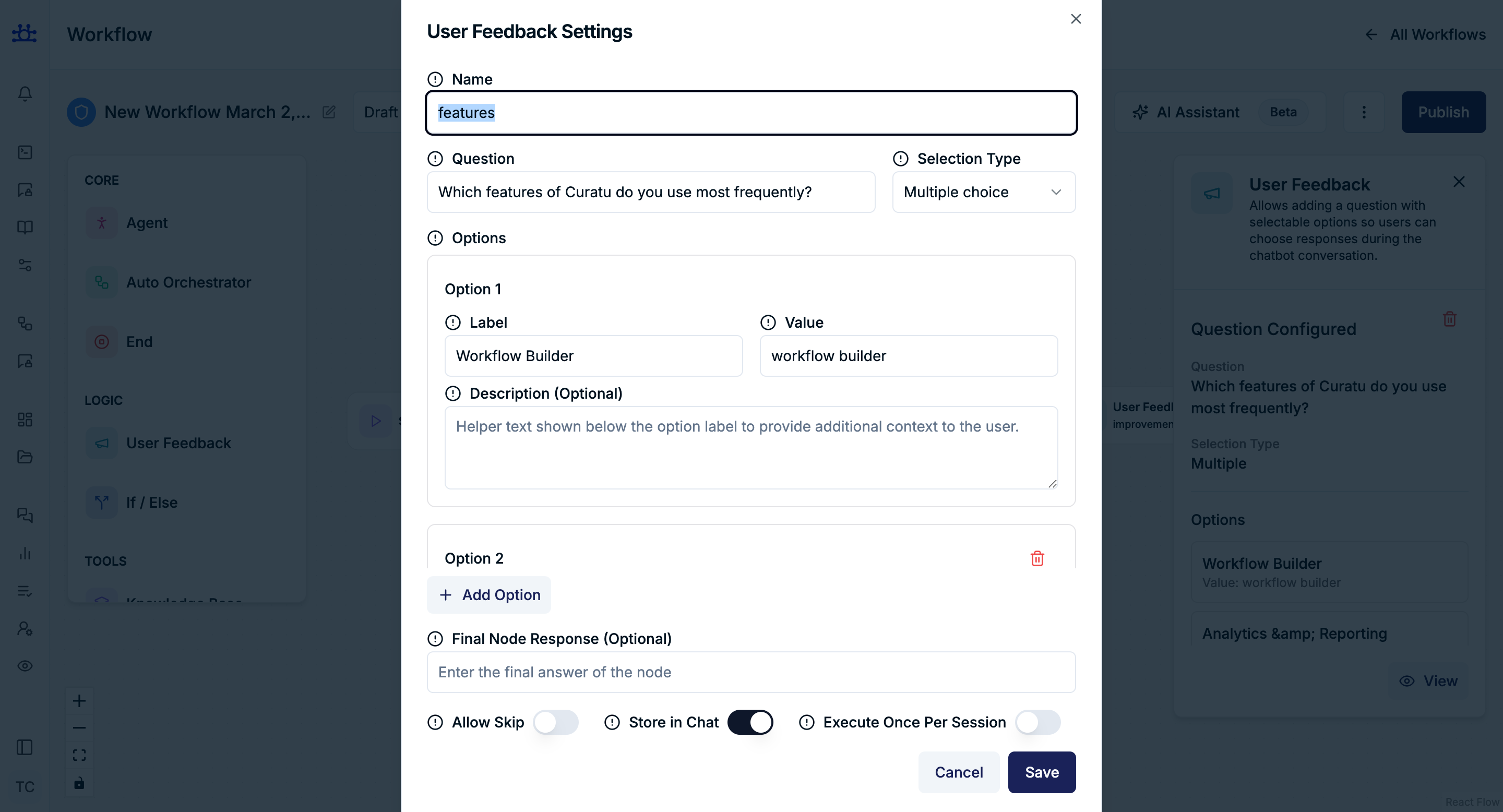
What it is
Allows the user to select more than one option.
When to use
- Collecting reasons
- Multi-factor feedback
- Preference-based questions
Example Question
What issues did you face with this answer?
Example Options
| Label | Value |
|---|---|
| Too long | too_long |
| Not accurate | not_accurate |
| Hard to understand | unclear |
| Missing details | missing_details |
User Behavior
- User can select multiple options
- All selected values are captured together
Recommended For
- Detailed feedback
- Improvement analysis
- UX research
3. Text Selection Type
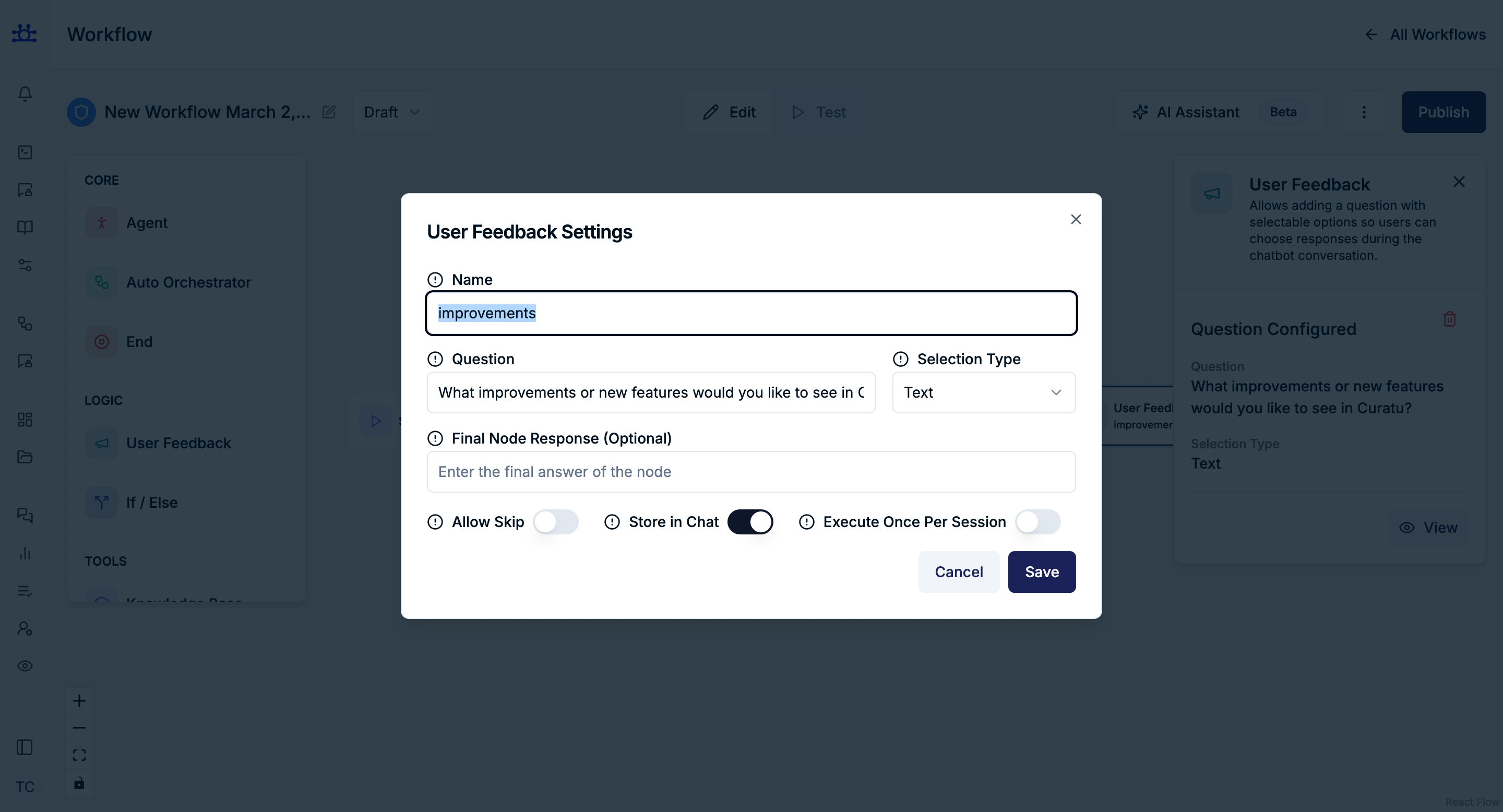
What it is
Allows the user to type a free-form text response.
When to use
- Open-ended feedback
- Suggestions or explanations
- Capturing user thoughts in their own words
Example Question
How can we improve this answer?
User Response
The explanation was good, but examples would help more.
User Behavior
- User enters custom text
- No predefined options
Recommended For
- Qualitative feedback
- Feature suggestions
- Issue descriptions
Options (For Single & Multiple Selection)
Each option contains:
Label
- Text shown to the user
Example
👍 Yes
Value
- Internal value stored when the option is selected
- Used for workflow logic and analytics
Example
yes
Description (Optional)
- Helper text shown below the label
- Adds clarity or context
Example
Select this if the answer fully solved your problem.
Add Option
Allows adding additional selectable options based on the selection type.
Final Node Response (Optional)
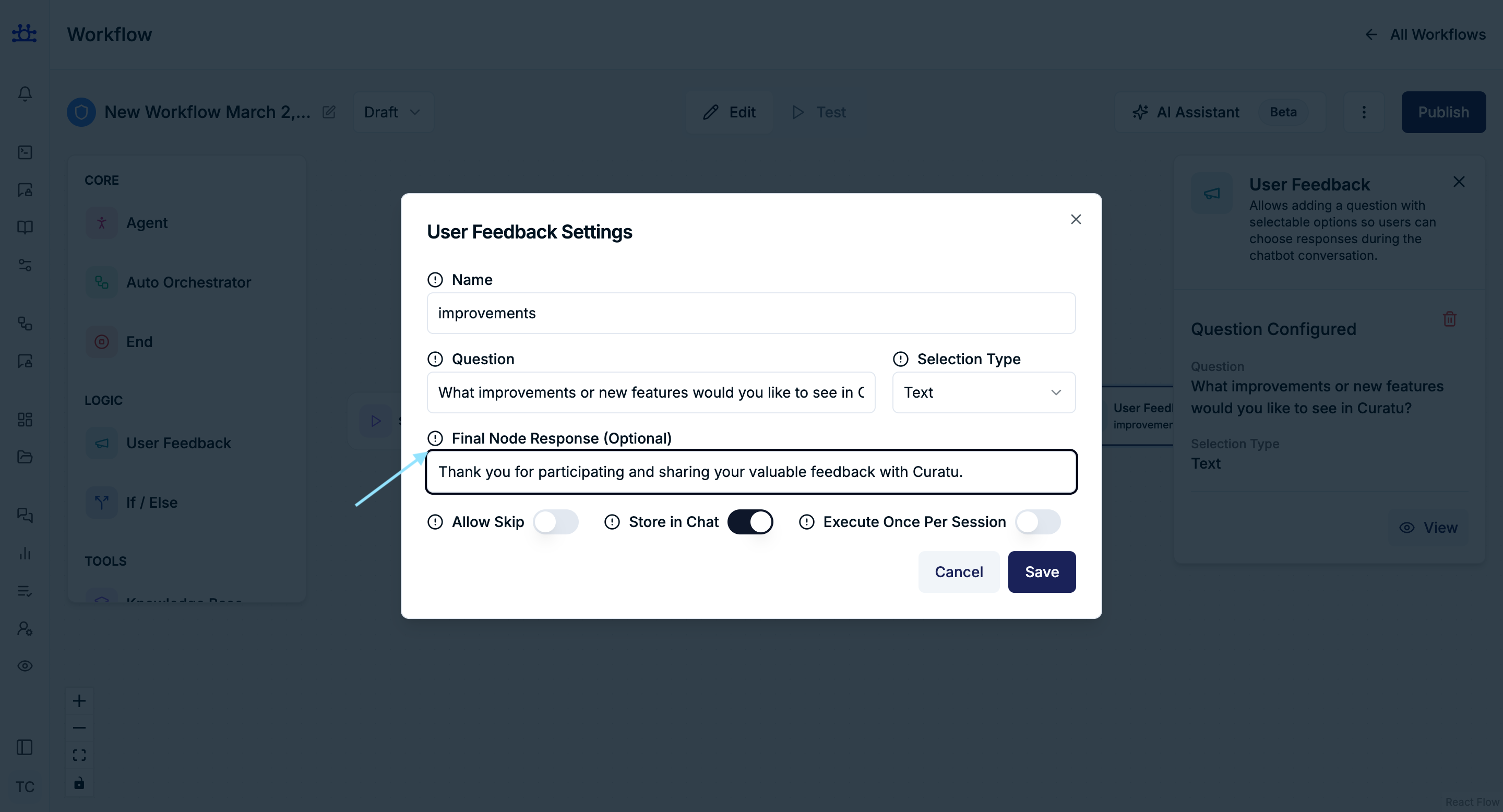
Purpose
Message shown after the user submits feedback.
Example
Thanks for your feedback! It helps us improve.
Allow Skip
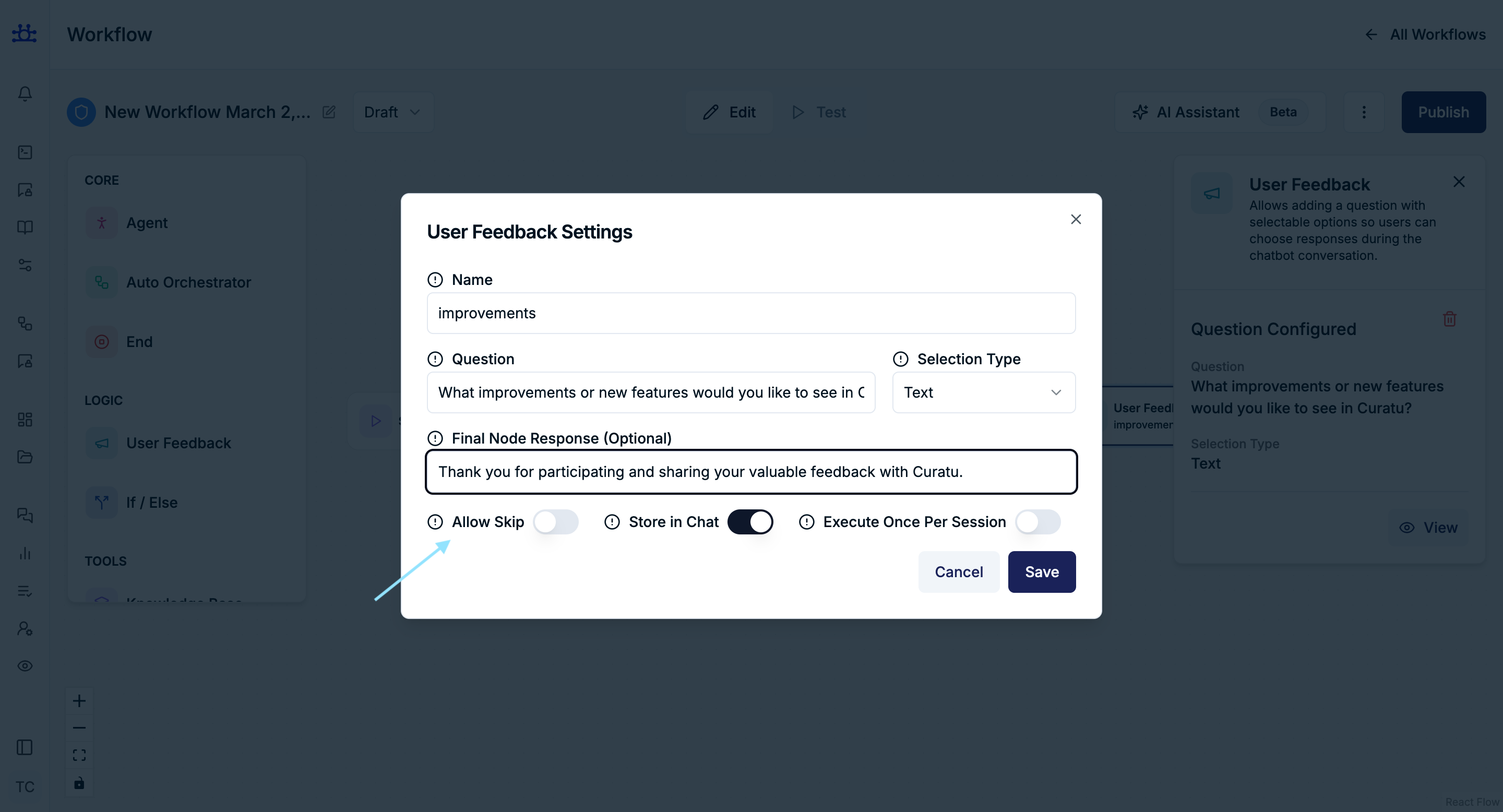
Purpose
Controls whether the user can skip the feedback question.
- Enabled → Feedback is optional
- Disabled → User must respond
Best Practice
- Enable for non-critical feedback
- Disable when feedback drives logic
Store in Chat
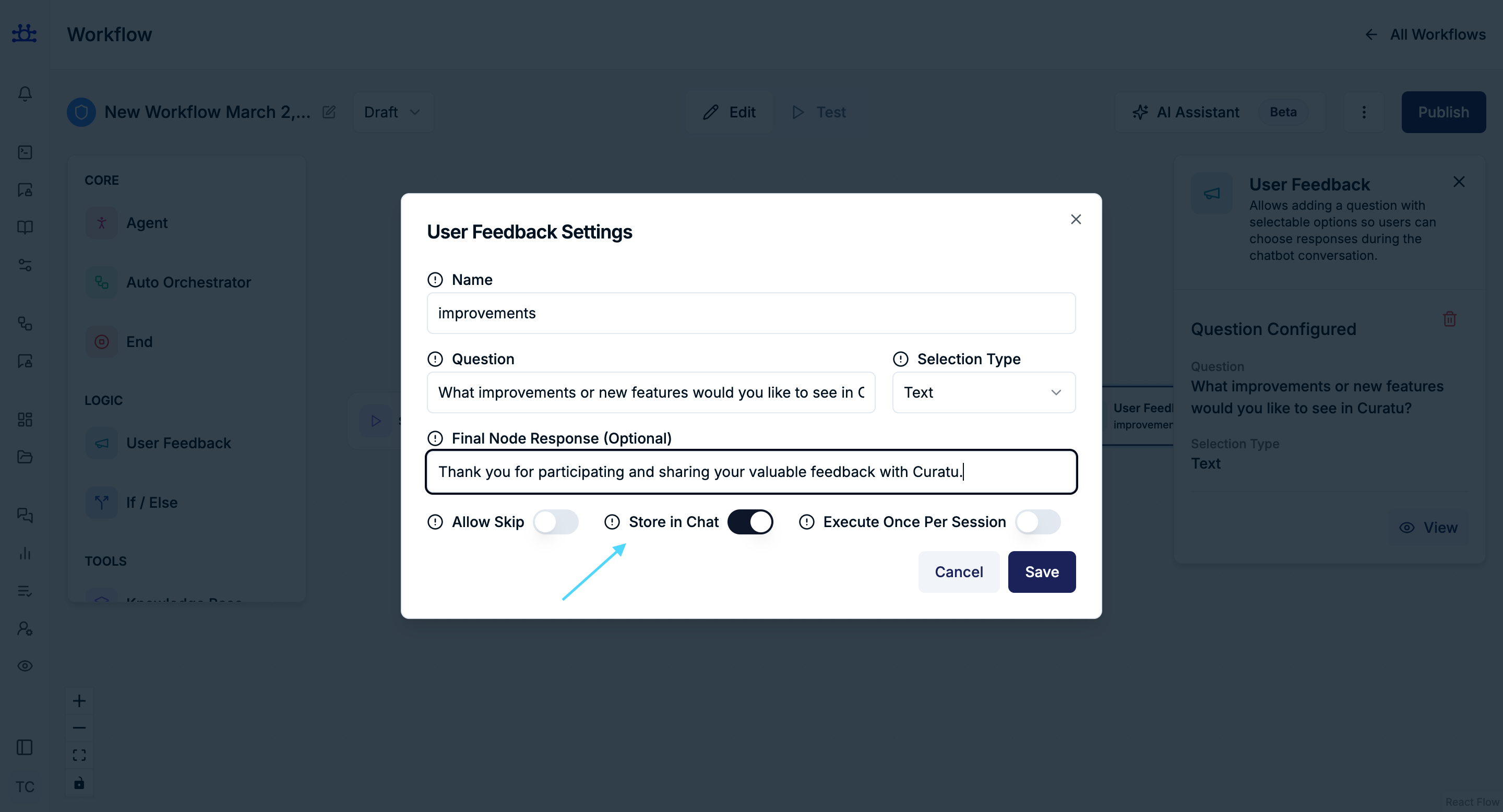
Purpose
Controls whether the feedback interaction is stored in chat history.
- Enabled → Question & response are saved
- Disabled → Feedback is collected silently
Execute Once Per Session
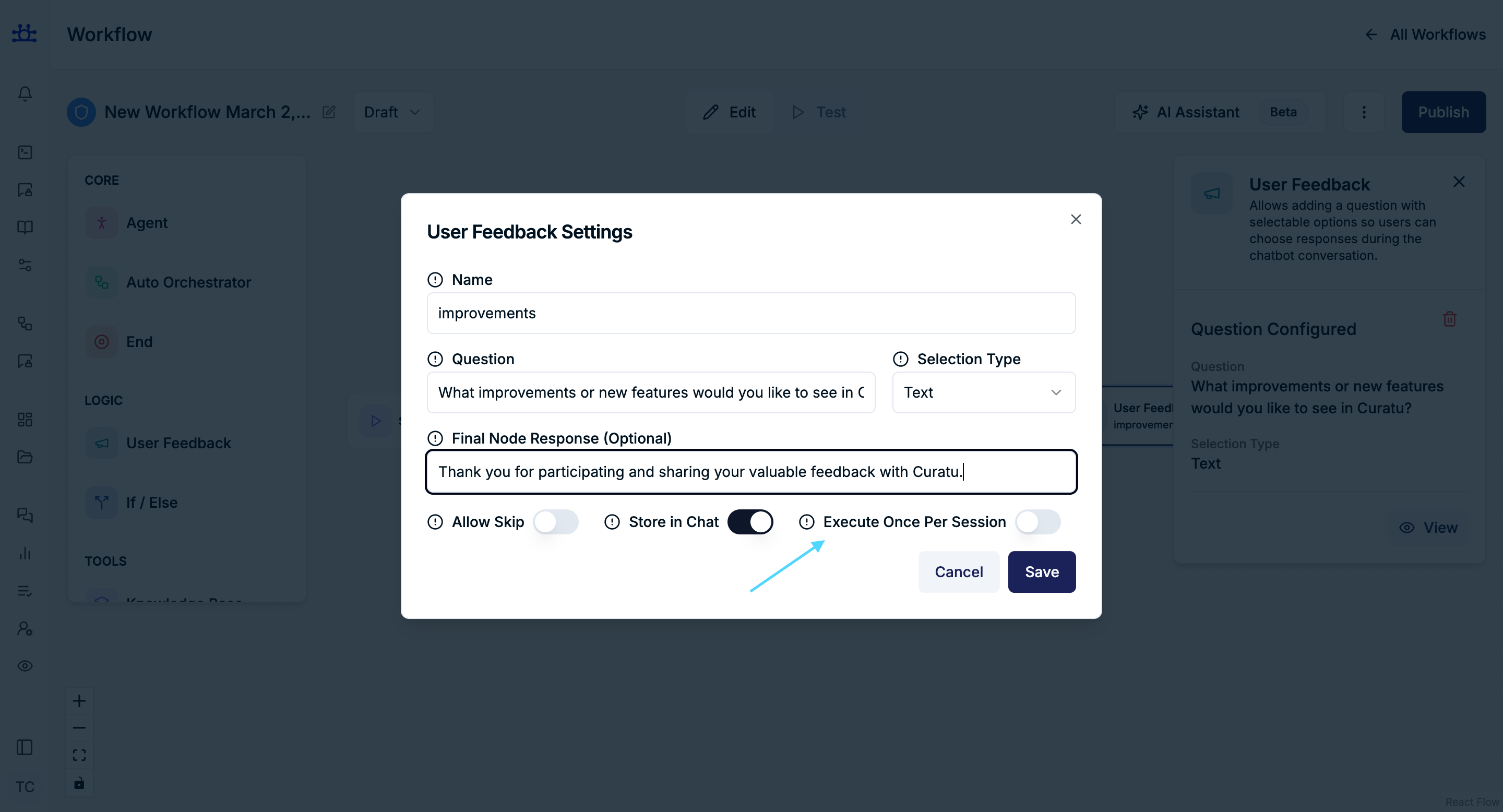
Purpose
Ensures the same feedback question is asked only once per user session.
Recommended
- Enable for surveys and satisfaction checks
- Disable if feedback should repeat in loops
Summary
The User Feedback Node supports:
- Single Selection → One clear answer
- Multiple Selection → Multiple reasons or preferences
- Text Selection → Open-ended user input
It is a powerful node for:
- Measuring quality
- Collecting insights
- Driving conditional workflows
- Improving user experience